Credit report
Check My File
See what Experian, Equifax and TransUnion hold on you before you apply, then share the PDF with your adviser.
- All three UK credit agencies in one report
- 7-day free trial, then £14.99 a month
- See what lenders see before you apply

Why we recommend CheckMyFile
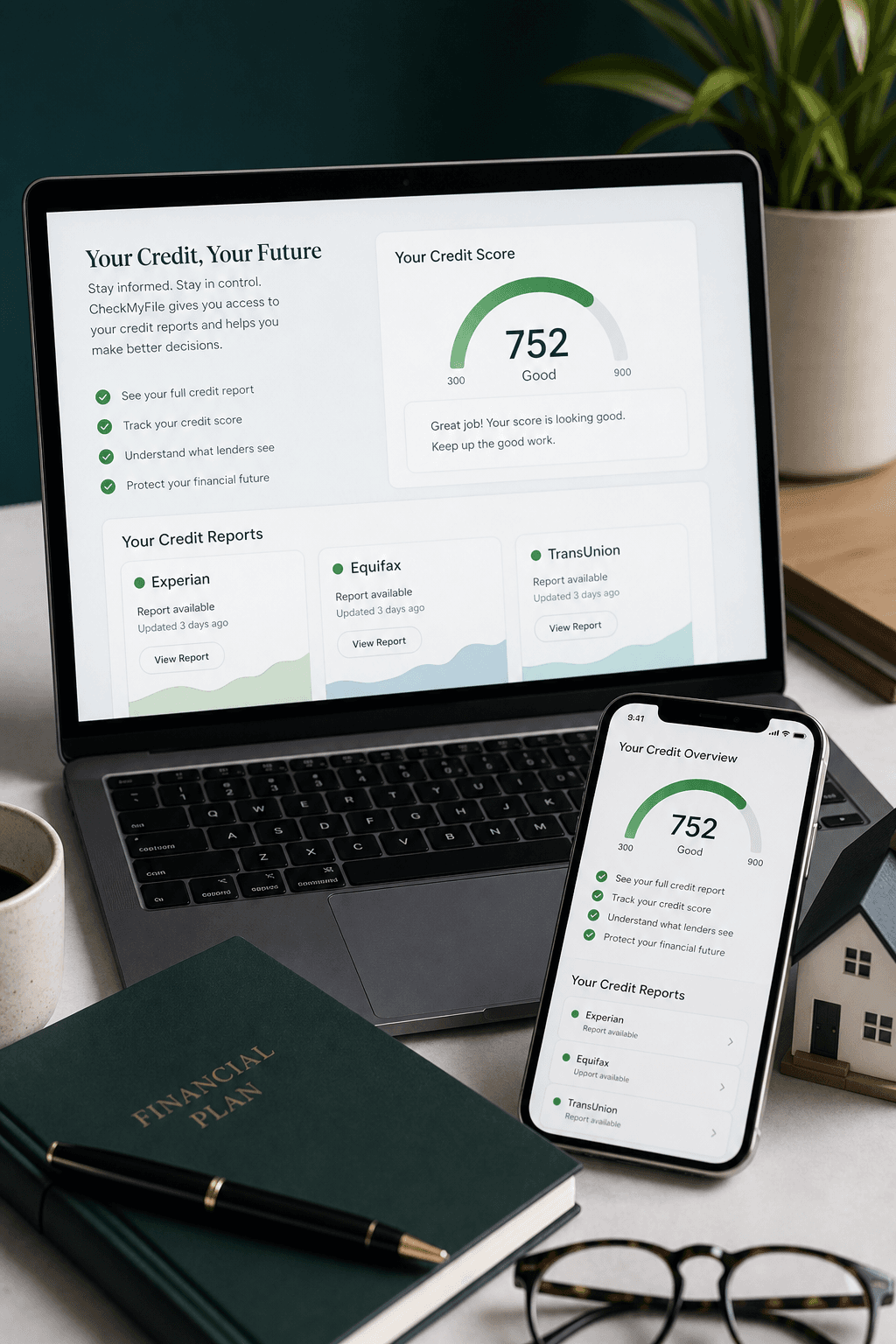
CheckMyFile brings Experian, Equifax and TransUnion into one report, so you can see what mortgage lenders see before you apply. New UK customers get a 7-day free trial, then £14.99 a month. Cancel anytime.
Monthly fee applies after the free 7-day trial. Trial available to new customers aged 18+ living in the UK.
How to download
Four steps to get your report
Already have an account? Log in or resubscribe, then continue from Step 2.
Step 1
Sign up to CheckMyFile
Open CheckMyFile via the button below and click Sign up to start your free trial.

Step 2
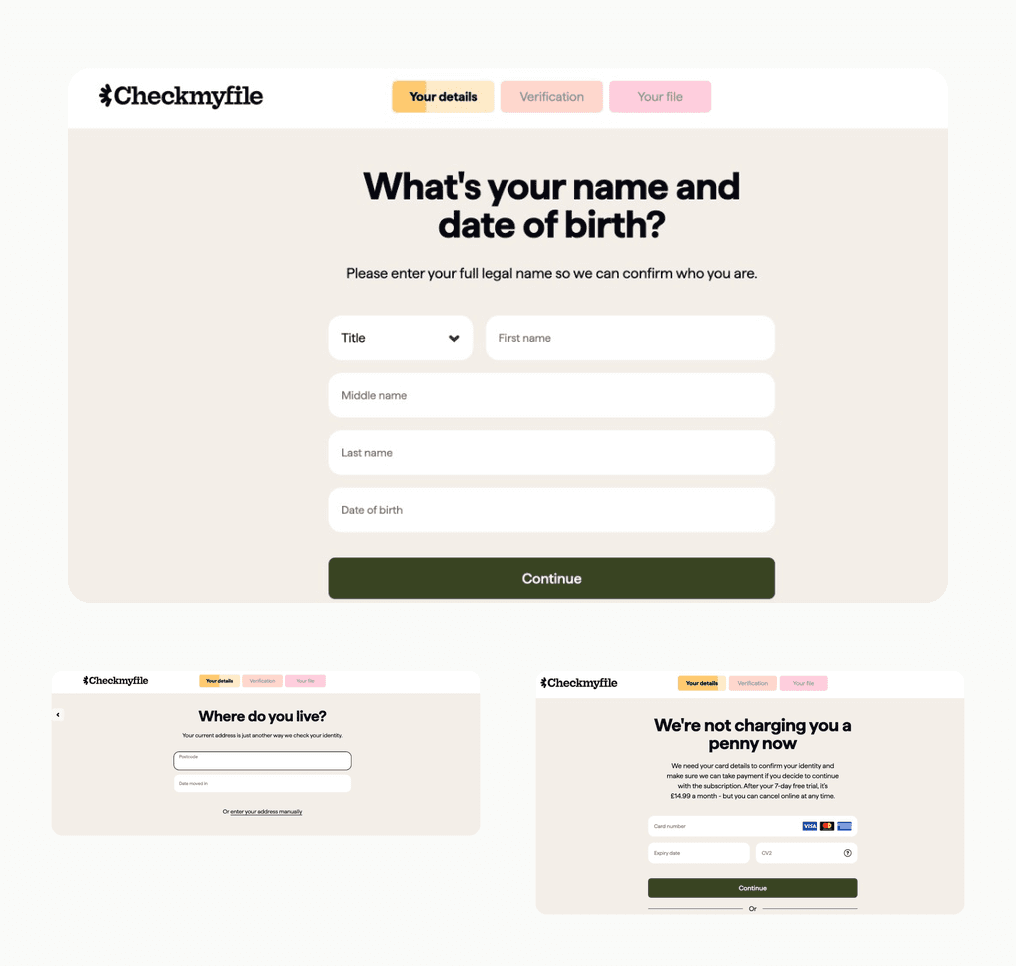
Complete your personal details
Enter your legal name and date of birth, then your address history (include the last three years). You will also confirm card details for identity checks. You will not be charged during the free trial.
Step 3
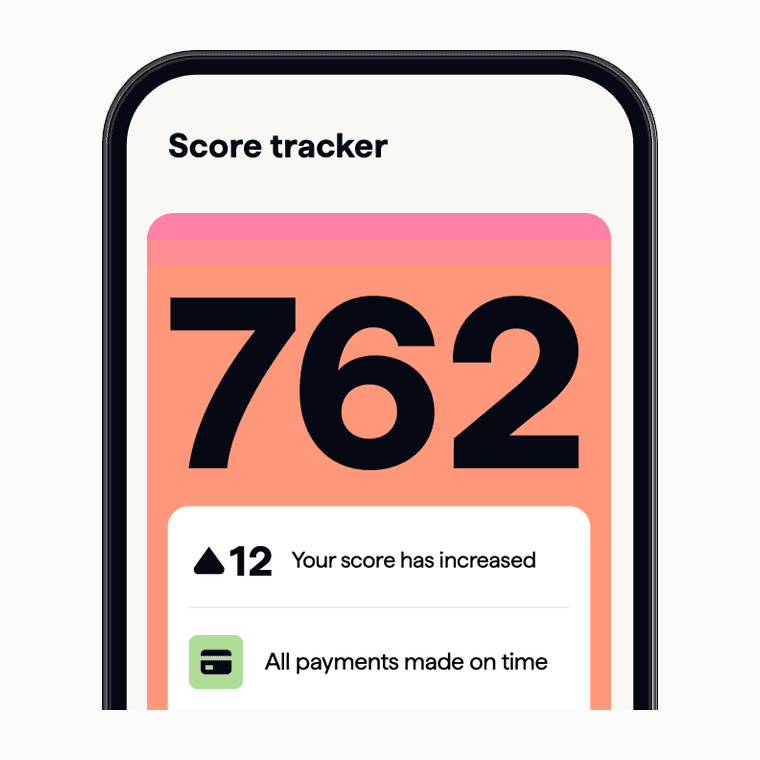
Download your credit report
Open your file, review the report, then choose Print/Save my file at the bottom to save a PDF. The password is your date of birth in DDMMYY format.
Step 4
Share it with your adviser
Open the PDF with your password, then email the file as an attachment (not a link) to your adviser.
Share from
Mobile
- 1
Open PDF
Use your DOB password in DDMMYY format.
- 2
Tap Share
Use the Share button in your PDF viewer.
- 3
Email file
Send the PDF as an attachment, not a link.
Share from
Desktop
- 1
Open PDF
Unlock it with your DOB password.
- 2
Save file
Save the report as a PDF on your computer.
- 3
Email file
Attach the PDF and send it to your adviser.
- 1
Get my credit report
Opens CheckMyFile in a new tab so you can start your report.